

A Virtual Administrative Assistant (Virtual Admin) is a remote operations support professional who runs repeatable back-office workflows through documented processes, clear priorities, and modern cloud tools. The goal is not “doing more tasks.” The goal is stabilizing daily operations so founders and teams protect focus time and scale without adding local overhead.
If you are hiring for consistency, follow-through, and operational hygiene, a Virtual Admin is usually the best starting point.
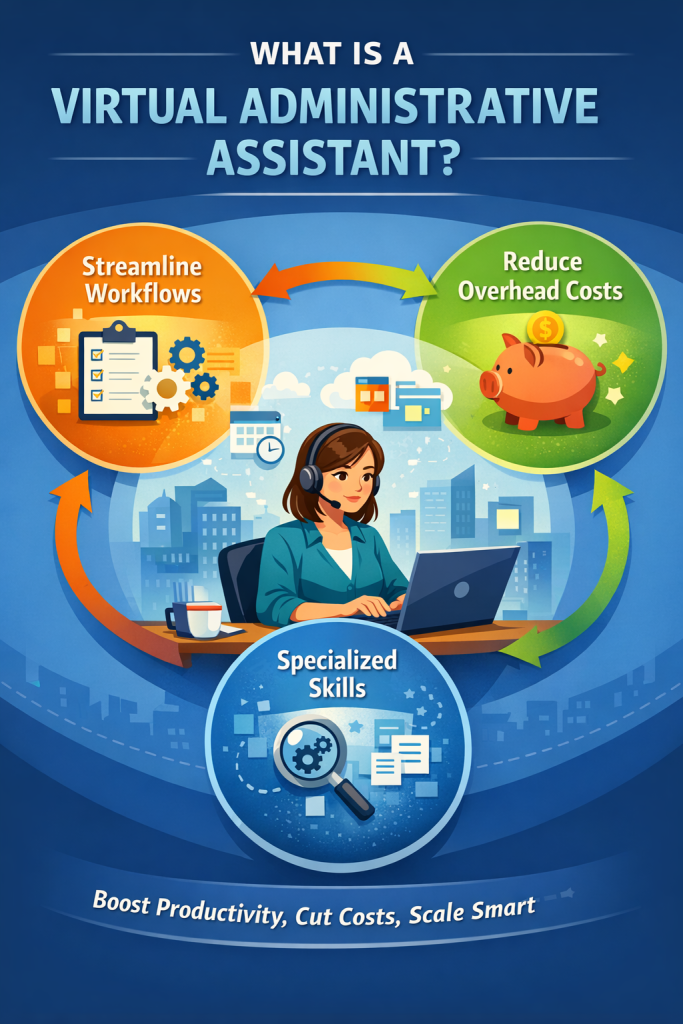
Definition: A Virtual Administrative Assistant
A Virtual Administrative Assistant provides administrative support remotely, but the best ones operate like workflow owners. They execute Standard Operating Procedures (SOPs), maintain systems, and keep information moving across calendars, inboxes, documents, CRMs, and internal task boards.
Not just “admin help”
They reduce operational drag by standardizing how work enters, moves, and gets completed.
Not a one-off freelancer
The value compounds as they learn your business rules, preferences, and reporting cadence.
Predictable Output
The role works best with a defined scope, tools, and measurable weekly outcomes.

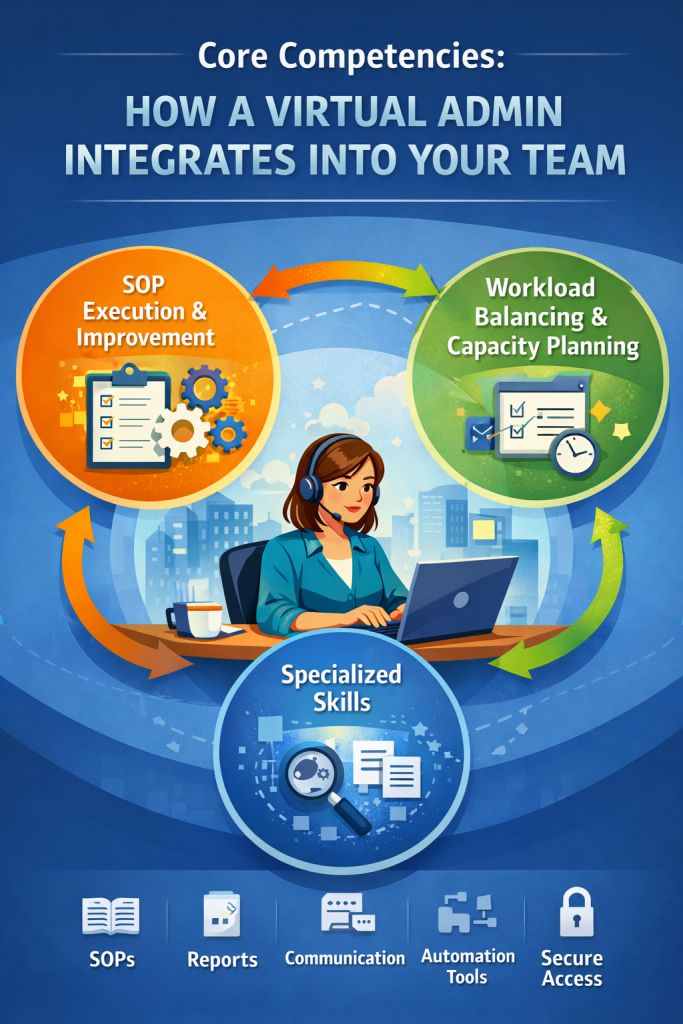
Core Competencies: How a Virtual Admin Integrates Into Your Team
SOP execution and continuous improvement
Virtual Admins thrive when tasks are documented. They follow runbooks, update templates, and improve SOPs as your business evolves. This is where quality and consistency comes from.
Workload balancing and capacity planning
A strong Virtual Admin does not wait for random instructions. They help you manage capacity by maintaining a task backlog, clarifying priorities, and flagging bottlenecks before deadlines slip.
Digital transformation of back-office operations
Many businesses still operate with scattered files and manual follow-ups. A Virtual Admin can migrate paper-heavy workflows into a cloud-based operating system using shared drives, naming conventions, form intake, and task automation.
Workflow Coverage: What a Virtual Admin Manages (Not Just What They Do)
Instead of repeating the same “emails and scheduling” bullet points, here are the workflow lanes a Virtual Admin can own end-to-end.
Inbox triage and gatekeeping
- Labeling, routing, and drafting replies using templates
- Follow-up systems so decisions do not stall
- Protecting deep-work hours by filtering non-urgent requests
Calendar operations and scheduling logistics
- Scheduling with buffers, travel time, and meeting prep rules
- Agenda creation, pre-reads, and attendee confirmations
- Reschedules handled without back-and-forth
Documentation, files, and knowledge base hygiene
- Folder structures, naming conventions, and version control
- Meeting notes, action logs, and task handoffs
- Maintaining a simple internal wiki (SOP library)
CRM and pipeline administration
- Data hygiene, deduplication, and contact enrichment
- Updating deal stages and next steps after calls
- Weekly reporting so nothing goes stale
Vendor coordination and admin procurement
- Chasing invoices, updating vendor details, and renewals calendar
- Light procurement, subscription tracking, and approvals routing
Finance admin support (handoff, not “being your accountant”)
Clean handoff into bookkeeping tools like QuickBooks or Xero.” But before focusing on the tasks, let’s briefly discuss a typical virtual admin assistant job description.
Receipt capture and categorization prep
Invoice tracking, payment reminders, and basic reconciliation support

Specialization Map: Types of Virtual Administrative Assistants
Most “types” lists are shallow. A better approach is to map the role to a business function, then hire for outcomes.
Executive Virtual Admin
- Calendar defense, meeting prep, action logs, and weekly prioritization
- Coordination across stakeholders with a clear escalation path
Operations Virtual Admin
- SOP library ownership, task board management, and recurring ops routines
- Weekly operations reporting and capacity visibility
Client Services Virtual Admin
- Client lifecycle management, follow-ups, and response-time discipline
- Maintaining client files, forms, and status updates
Sales Support Virtual Admin
- CRM upkeep, proposals prepared from templates, and pipeline follow-through
- Scheduling, reminders, and post-call summary updates
Finance Admin Virtual Assistant
- Invoicing workflows, receipts, payables tracking, and monthly handoffs
- Keeping finance ops clean so accountants move faster.

Modern Tool Stack: How Virtual Admins Work in Real Time
“Remote” is not the feature. The feature is using a shared digital operating system so you always know what is happening.
- Secure access: password managers, 2FA, least-privilege permissions
- Communication: Slack, Microsoft Teams, Zoom
- Docs and files: Google Workspace, Microsoft 365, shared drives
- Task management: Asana, ClickUp, Trello, Notion
- Scheduling: Calendly, Google Calendar, Outlook
- Process and automation: Zapier, Make, basic form intake
- AI-enabled productivity: ChatGPT for drafting, Grammarly for clarity, Otter.ai for meeting notes
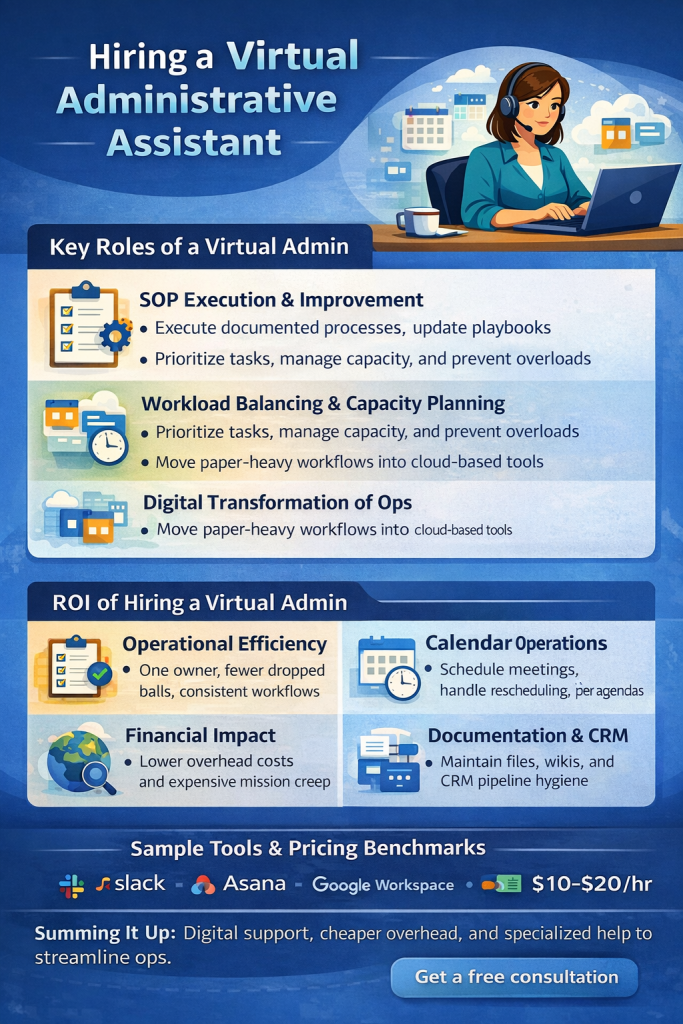
ROI of Hiring a Virtual Administrative Assistant
Operational efficiency
The first win is fewer dropped balls. When intake, follow-ups, scheduling, and documentation run through one owner, work stops leaking through cracks.
Financial impact
Virtual Admins often cost less than local hires because you reduce overhead like office space, local payroll burden, and downtime inefficiency. More importantly, you buy back leadership time, which is usually the scarcest resource in the business.
Global talent access
Hiring remotely expands your candidate pool. You can hire for tool fluency, communication strength, and niche experience, instead of geography.
Pricing Benchmarks: How Much Should You Pay?
Pricing depends on region, experience, and whether you are hiring general admin support or a more specialized operator.
Typical hourly ranges
- Marketplace general Virtual Assistants: Upwork lists a median hourly rate of $13, with typical VA rates between $10 and $20 per hour on their platform.
- US in-house admin wage benchmark: the U.S. Bureau of Labor Statistics reports a median annual wage of $47,460 for secretaries and administrative assistants (May 2024).
- Philippines VA benchmarks (general admin): many guides place typical admin VA rates around $5 to $8 per hour on average, with wide variation by skill and hiring method.
- South Africa VA benchmarks: market-based placement data often shows typical ranges between R225 and R500 per hour, depending on experience and specialization.
Practical guidance
Define outcomes first, then set a budget band. Paying slightly more for a process-driven operator often beats paying less for reactive task-takers.

Comparison: Local Temp vs Virtual Administrative Assistant
Factor: Speed to hire
Local Temp Admin: Often faster than permanent hires, still limited by location
Virtual Administrative Assistant: Fast, broader talent pool, remote onboarding
Factor: Overhead
Local Temp Admin: Office space, equipment, local admin burden
Virtual Administrative Assistant: Usually lower overhead, tool-first workflow
Factor: Systems and SOPs
Local Temp Admin: Varies, often depends on internal training time
Virtual Administrative Assistant: Best fit when role is SOP-driven and documented
Factor: Coverage
Local Temp Admin: Local working hours only
Virtual Administrative Assistant: Can be matched to your time zone and coverage needs
Factor: Best use case
Local Temp Admin: Front-desk, on-site coordination, local paperwork
Virtual Administrative Assistant: Inbox, scheduling, documentation, CRM, admin ops
Implementation Plan: How to Onboard a Virtual Admin Without Chaos
Step 1: Choose one workflow lane first
Start with one lane such as inbox triage or calendar operations. Define what “done” means and what gets escalated.
Step 2: Convert knowledge into SOPs
Create simple SOPs with screenshots or Loom videos. Store them in a shared folder or wiki so the role compounds over time.
Step 3: Set a reporting cadence
Use a weekly summary that includes: completed work, blocked items, upcoming priorities, and decisions needed.
Step 4: Lock down security
Use least-privilege access, 2FA, and a password manager. Keep audit trails in your core tools where possible.
Ready to Delegate Admin Without Losing Control?
If you want help scoping the role, setting outcomes, and matching you with a process-driven Virtual Administrative Assistant, book your free consultation. We will map your workflows, recommend the right level of support, and share a realistic cost range based on your needs.
