
The best communication tools for remote and outsourced teams are Slack, Microsoft Teams, Google Chat and Google Meet, Zoom, Loom, Twist, Asana, Notion, Miro, and Basecamp. Communication tools are software applications that let distributed team members exchange messages, hold calls, share files, and post updates from any location. Outsourced teams need these tools to support guest access, asynchronous messaging, and work across time zones, because outsourced staff often sit outside the company’s network and work different hours.
Distributed work is now the default for most office roles. According to Gallup, 54% of remote-capable US employees worked hybrid, and 25% worked exclusively remote in August 2026, leaving only 21% fully on-site.
What Are Communication Tools for Remote and Outsourced Teams?
Communication tools for remote and outsourced teams are applications that connect in-house staff with remote employees and external providers through chat, video, async updates, and shared workspaces. Synchronous tools, such as video calls and live chat, require both sides to be online at the same time, while asynchronous tools, such as recorded video and threaded messages, let each side respond during its own working hours.
Asynchronous communication matters most for outsourced teams, because outsourced staff often work in a different time zone from the client. Companies building a remote team usually combine one chat tool, one video tool, and one async or project tool rather than relying on a single application.
The 10 best communication tools for remote and outsourced teams are listed below.
- Slack
- Microsoft Teams
- Google Chat and Google Meet
- Zoom
- Loom
- Twist
- Asana
- Notion
- Miro
- Basecamp
1. Slack
Slack is a channel-based team messaging application for real-time and threaded conversations. Slack is best for team chat and shared channels with external partners through Slack Connect. Key features for outsourced teams include shared channels with other organizations, guest accounts, and app integrations with project and file tools. Slack offers a free plan with 90 days of message history, and paid plans start at $7.25 per user per month.
2. Microsoft Teams
Microsoft Teams is a chat, meeting, and file collaboration application built into Microsoft 365. Microsoft Teams is best for companies that already use Microsoft 365. Key features for outsourced teams include guest access, external chat with other organizations, and built-in video meetings. Microsoft Teams Essentials starts at $4 per user per month, and Microsoft 365 Business Basic with Teams starts at $7 per user per month.
3. Google Chat and Google Meet
Google Chat and Google Meet are the messaging and video meeting applications inside Google Workspace. Google Chat and Google Meet are best for companies that already use Google Workspace. Key features for outsourced teams include external participants in Spaces, browser-based video calls, and direct links to Google Docs and Drive files. Google Chat and Google Meet are free with a personal Google account, and Google Workspace Business Starter starts at $7 per user per month.
4. Zoom
Zoom is a video meeting and webinar application with team chat in the Zoom Workplace suite. Zoom is best for video meetings with clients and outsourced partners. Key features for outsourced teams include meetings with external guests who need no account, cloud recording, and meeting summaries. Zoom offers a free Basic plan with 40-minute meetings for up to 100 participants, and paid plans start at $14.16 per user per month.
5. Loom
Loom is an asynchronous video messaging application that records the screen, camera, and voice. Loom is best for async video updates across time zones. Key features for outsourced teams include screen-recorded walkthroughs, timestamped comments, and shareable video links. Loom offers a free Starter plan with 25 videos and 5-minute recordings, and paid plans start at $18 per user per month.
6. Twist
Twist is a thread-based messaging application designed for asynchronous team communication. Twist is best for teams that prefer organized threads over real-time chat. Key features for outsourced teams include topic-based threads, an inbox for unread conversations, and lower pressure to reply instantly. Twist offers a free plan with one month of visible message history, and paid plans start at $6 per user per month.
7. Asana
Asana is a work management application that ties team communication to tasks and projects. Asana is best for task-level communication between in-house staff and outsourced teams. Key features for outsourced teams include task comments, project status updates, and guest access to shared projects. Asana offers a free Personal plan for up to 2 users, and paid plans start at $10.99 per user per month.
8. Notion
Notion is a connected workspace for documents, wikis, and databases. Notion is best for shared documentation and knowledge bases that outsourced teams use as a single source of truth. Key features for outsourced teams include page comments, guest access, and process documentation in one place. Notion offers a free plan with up to 10 external guests, and paid plans start at $10 per member per month.
9. Miro
Miro is a visual collaboration platform built around online whiteboards. Miro is best for workshops, process mapping, and visual planning with distributed teams. Key features for outsourced teams include shared boards, sticky-note comments, and video walkthroughs of boards. Miro offers a free plan with 3 editable boards, and paid plans start at $8 per member per month.
10. Basecamp
Basecamp is a project management and team communication application that combines message boards, to-dos, chat, and file sharing. Basecamp is best for agencies and companies that communicate with clients and vendors inside each project. Key features for outsourced teams include client access to selected projects, message boards, and automatic check-in questions. Basecamp offers a free plan for 1 project and up to 5 users, and paid plans start at $25 per month as a flat fee.
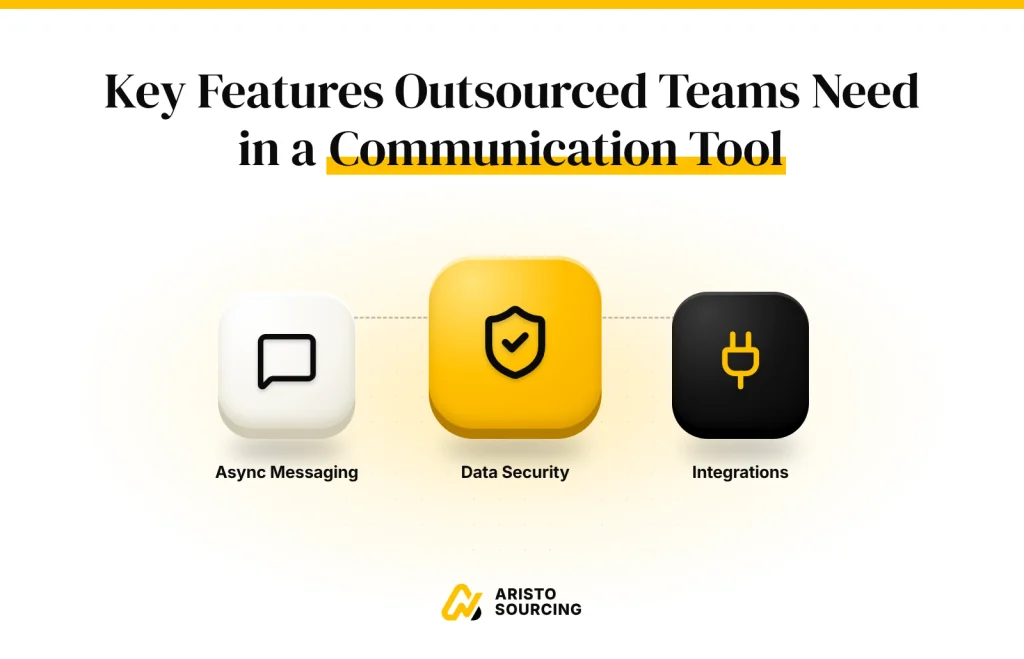
Key Features Outsourced Teams Need in a Communication Tool
The key features outsourced teams need in a communication tool are external access, permission controls, async messaging, time-zone visibility, and project management integrations. These features let a company give outsourced staff the access they need without exposing internal systems.
The 5 key features outsourced teams need in a communication tool are listed below.
- Guest and External Access: The tool lets outsourced staff join selected channels or projects without becoming full members of the company workspace.
- Permission Controls and Data Security: The tool limits which files, channels, and data each outsourced user can see and lets admins remove access at offboarding.
- Async Messaging and Video: The tool supports threaded messages and recorded video so teams in different time zones can respond during their own working hours.
- Time-Zone and Status Visibility: The tool shows each user’s local time and availability so teams know when to expect a reply.
- Project Management Integrations: The tool connects to task and project tools so updates stay linked to the work they describe.
Access control is the feature companies overlook most often, and the same remote work security procedures that protect remote employees apply to outsourced staff. The best communication tools for remote and outsourced teams combine these features so that in-house and outsourced staff work in one connected system.

How Much Do Communication Tools for Remote Teams Cost?
Communication tools for remote teams cost between $0 and about $18 per user per month at their entry paid tiers. Most tools offer a free plan with limits on message history, meeting length, or the number of users. Entry paid tiers range from $4 per user per month for Microsoft Teams Essentials to $18 per user per month for Loom Business. Free plans fit small teams, while growing teams usually need paid plans for full message history and external channels.
How Is AI Changing Remote Team Communication Tools?
AI is changing remote team communication tools by adding meeting summaries, real-time translation, and message catch-up features. Meeting summaries reduce the need for outsourced staff in other time zones to attend live calls. Real-time translation supports teams that work across languages, and catch-up features summarize long threads for users returning after hours.
How to Choose the Right Communication Tool for Your Team?
The right communication tool for a team is the one that matches the company’s existing software ecosystem, team size, budget, time-zone spread, and security needs. The criteria for choosing a communication tool are listed below.
- Existing Ecosystem: Microsoft 365 users fit Microsoft Teams, and Google Workspace users fit Google Chat and Google Meet.
- Team Size and Budget: Small teams can start on free plans, while larger teams need paid per-user plans.
- Time-Zone Spread: Teams spread across distant time zones need async tools such as Loom or Twist.
- Security Needs: Teams handling sensitive data need guest permissions and admin controls.
What Are the Best Tools for Remote Team Management?
The best tools for remote team management are Asana, Trello, Basecamp, and Time Doctor. Asana, Trello, and Basecamp manage tasks and projects, while Time Doctor tracks working time for distributed staff. Tools support the process of managing virtual teams, but clear expectations and regular check-ins remain the foundation.