
Recruitment process automation basically refers to using software to handle repetitive hiring tasks. Recruitment process automation works by triggering each next hiring step automatically, from the moment a candidate submits a job application to the day the new hire completes onboarding.
The main benefits of recruitment process automation are less administrative work, faster hiring, and a better candidate experience. The tools involved include Applicant Tracking Systems (ATS), recruitment CRM software, AI recruiting tools, and the workflow automation platforms that connect them.
Recruitment automation supports recruiters instead of replacing them, because the software takes over rule-based tasks while recruiters keep relationship building, judgment, and final hiring decisions. Businesses that lack the internal capacity to run hiring can also get support from an outsourced recruitment partner.
What Is Recruitment Process Automation?
Recruitment process automation is the use of software to perform repetitive, rule-based hiring tasks automatically across the talent acquisition lifecycle, from job posting and resume screening to offer paperwork. An automated hiring process is a hiring workflow in which software completes predefined steps whenever a set condition is met, such as a candidate submitting an application or moving to a new stage.
Recruitment automation handles the recruitment tasks that follow the same pattern for every hire, including job posting, resume screening, interview scheduling, candidate emails, and offer paperwork. Most of these workflows run inside an Applicant Tracking System (ATS), the software that stores candidate records and tracks each hiring stage, or in tools connected to it.
Recruitment automation differs from AI recruiting in how each tool reaches an outcome. Recruitment automation follows set rules and triggers, such as sending an interview invitation when a candidate passes screening, while AI recruiting uses machine learning to assess candidates, match them to roles, or predict hiring outcomes.
Recruitment process automation is sometimes shortened to RPA, but the abbreviation more commonly means Robotic Process Automation, a broader technology that uses software bots to copy human actions in any business system. Recruitment process automation also differs from RPO (Recruitment Process Outsourcing), a service in which an external provider manages part or all of a company’s hiring.
Which Recruitment Tasks Can Be Automated?
The recruitment tasks that can be automated include approving job requisitions, sourcing candidates, screening resumes, pre-screening candidates, scheduling interviews, assessing candidates, checking references, running background checks, generating offer letters, and onboarding new hires.
The recruitment tasks that can be automated are listed below.
- Approving Job Requisitions: Approving job requisitions means getting internal sign-off to open a new role before recruiting begins. A completed job requisition form creates an ATS record and routes it to each approver in order with automatic reminders, so the approval workflow no longer delays the job posting.
- Sourcing Candidates: Sourcing candidates means finding people who fit an open role, including passive candidates who are not actively looking for a job. In automated candidate sourcing, an approved requisition triggers job distribution to job boards, social channels, and the careers page, while sourcing tools search databases for matching profiles, which widens the talent pool without manual posting.
- Screening Resumes: Screening resumes means reviewing applications to find the candidates who meet a job’s requirements. Resume parsing extracts each applicant’s skills, experience, and education, and keyword matching then scores the applicant against the job requirements to build a qualified candidate shortlist in minutes instead of days.
- Pre-Screening Candidates: Pre-screening candidates means confirming that applicants meet basic requirements before a recruiter spends time on an interview. A recruiting chatbot or automated questionnaire asks pre-screening questions, including knockout questions about availability, salary expectations, and work eligibility, and its instant replies keep candidates engaged early in the process.
- Scheduling Interviews: Scheduling interviews means arranging a meeting time that works for the candidate and every interviewer. Interview scheduling tools use calendar integration to send candidates a self-scheduling link with open slots, then handle confirmations, reminders, and rescheduling automatically to reduce no-shows.
- Assessing Candidates: Assessing candidates means measuring an applicant’s skills and job fit with standardized tests or interviews. A skills assessment or one-way video interview is sent and scored automatically when a candidate reaches a set pipeline stage, and a structured interview scorecard lets the hiring team compare candidates consistently.
- Checking References: Checking references means completing a reference check with a candidate’s former managers or colleagues to confirm past performance. Once the candidate submits contact details, the system emails each reference a standard online reference questionnaire, sends reminders until it is completed, and saves the responses to the candidate profile for quick review.
- Running Background Checks: Running background checks means verifying a candidate’s identity, work history, education, or criminal record before a final hiring decision. Moving a candidate to the final stage collects candidate consent and triggers background screening and employment verification through an integrated provider, and the status updates and results sync back to the ATS automatically.
- Generating Offer Letters: Generating offer letters means preparing the formal job offer that a selected candidate receives. An offer letter template auto-fills with the candidate’s details, salary, and start date before routing for internal offer approval, and an e-signature step speeds up acceptance while keeping the offer status easy to track.
- Onboarding New Hires: Onboarding new hires means preparing a new employee to start work, from paperwork and equipment to benefits enrollment. A signed offer triggers preboarding steps such as welcome emails, document collection, and account setup tasks for IT and HR, and syncing new hire data to the HRIS (Human Resources Information System) removes duplicate entry during employee onboarding.
What Are the Benefits of Recruitment Process Automation?
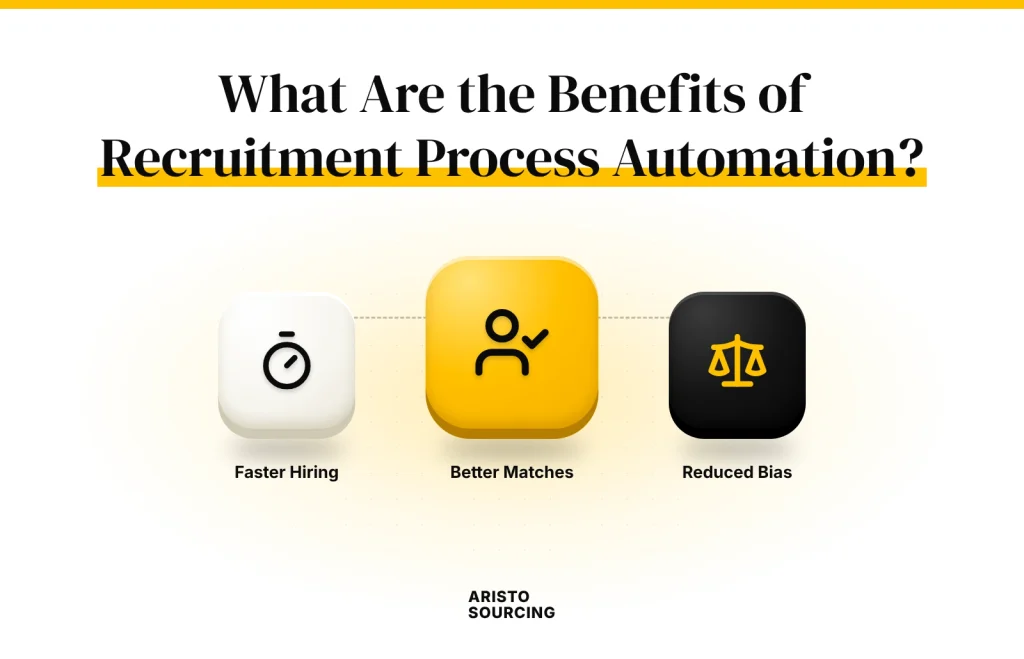
The benefits of recruitment process automation include reduced administrative work, faster hiring, and a better candidate experience, along with more data-driven decisions, a lower cost per hire, less hiring bias, a higher quality of hire, and stronger compliance.
The benefits of recruitment process automation are listed below.
- Speeds Up Hiring
- Cuts Administrative Work
- Enhances Candidate Experience
- Enables Data-Driven Decisions
- Lowers Cost per Hire
- Minimizes Hiring Bias
- Improves Quality of Hire
- Strengthens Compliance
Speeds Up Hiring
Speeding up hiring means reducing time-to-hire, which is the number of days between a candidate applying and accepting an offer. Recruitment automation removes the waiting time between hiring steps, because screening, scheduling, and follow-up emails start as soon as a candidate reaches each stage. A lighter administrative workload improves hiring efficiency and frees recruiters to focus on higher-value work, such as interviewing finalists and advising hiring managers.
Cuts Administrative Work
Cutting administrative work means removing the manual data entry, document handling, and status updates that pull recruiters away from candidates. Recruitment automation logs applications in the ATS, parses resumes, books interviews, and uses communication automation to send routine emails without a recruiter writing each one. The hours saved go back into candidate engagement, such as personal calls and interview preparation, which improves the overall candidate experience.
Enhances Candidate Experience
Enhancing candidate experience means making every interaction between a candidate and the hiring process clear, fast, and respectful. Communication automation sends timely application updates and self-scheduling links, so candidates always know where they stand and can book interviews without back-and-forth emails, which raises candidate engagement. Automated messages can feel impersonal, so recruiters should personalize templates with the candidate’s name and role and step in personally at key moments such as interviews and offers.
Enables Data-Driven Decisions
Enabling data-driven decisions means basing hiring choices on recruitment analytics instead of assumptions or memory. Recruitment automation records every pipeline action, so the software tracks hiring metrics such as source quality, time-to-fill, and stage conversion rates without manual spreadsheets. Dashboards display these recruitment KPIs in real time, which helps recruiters spot pipeline bottlenecks, such as candidates stalling after the first interview, and fix them early.
Lowers Cost per Hire
Lowering cost per hire means reducing the total amount spent to fill one position, including job ads, agency fees, tools, and recruiter time. Recruitment automation cuts spending on agency fees, job ads, and recruiter hours by sourcing from existing talent pools, focusing ad spend on channels that deliver hires, and taking over manual tasks, which stretches the recruitment budget further. Filling roles faster also reduces the lost productivity of open positions, which raises the return on investment (ROI) of the automation itself.
Minimizes Hiring Bias
Minimizing hiring bias means reducing the effect of unconscious bias, such as assumptions tied to a candidate’s name, age, or background, on hiring decisions. Standardized screening and structured evaluations apply the same criteria to every candidate, which supports fair hiring and diversity hiring goals. AI tools trained on biased historical hiring data can repeat that bias at scale, so employers should audit automated screening results regularly.
Improves Quality of Hire
Improving quality of hire means selecting candidates who perform well in the role and stay with the company over time. Skills-based candidate matching and consistent assessments measure every applicant against the same job requirements, which surfaces better-fit candidates that a rushed manual review can miss. Quality of hire connects directly to job performance and employee retention, because well-matched employees tend to reach full productivity faster and leave less often.
Strengthens Compliance
Strengthening compliance means following the laws and internal policies that govern how candidates are evaluated and how candidate data is handled. Recruitment automation supports hiring compliance by keeping an audit trail of every action, standardizing documentation, and recording candidate consent. Data privacy and equal-opportunity rules, such as the GDPR in the European Union and EEOC guidelines in the United States, apply to automated hiring decisions as much as manual ones, so employers need software or tools built to support these requirements.
What Are the Important Recruitment Automation Software and Tools?
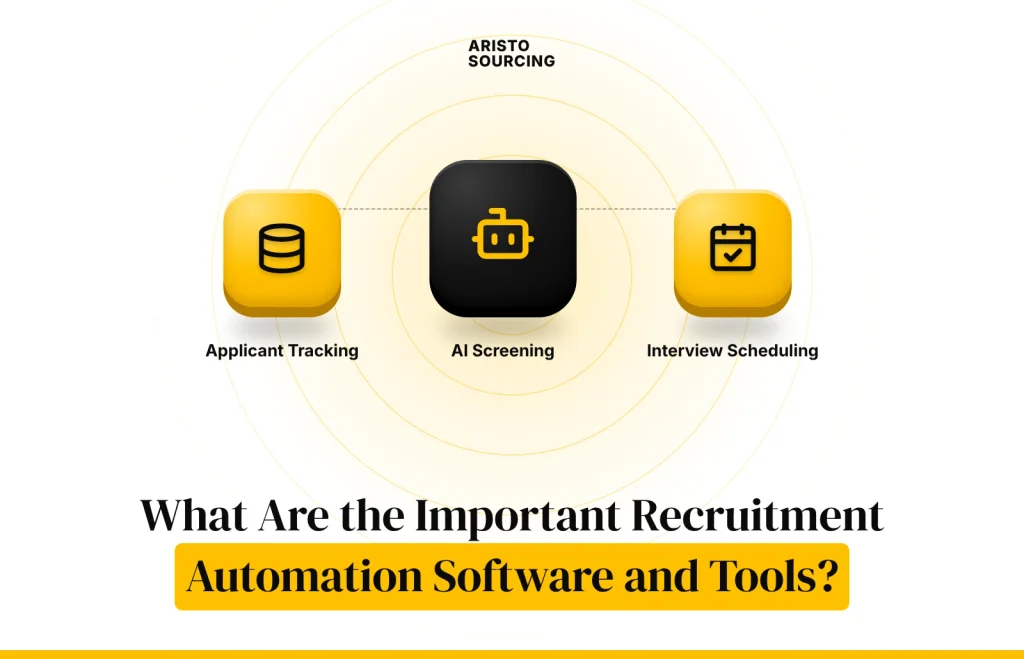
The important recruitment automation software or tools include Applicant Tracking Systems (ATS), recruitment CRM software, AI recruiting and resume screening tools, and workflow automation and integration platforms.
The main recruitment automation software and tools are listed below.
- Applicant Tracking Systems (ATS): An Applicant Tracking System (ATS) is software that collects job applications and manages them in one place throughout the hiring process. Applicant tracking software stores candidate records, moves applicants through each hiring stage of the candidate pipeline, and acts as the base for most other recruitment automations. Widely used ATS platforms include Greenhouse, Lever, and Zoho Recruit.
- Recruitment CRM Software: Recruitment CRM software is a candidate relationship management tool that builds and maintains relationships with potential candidates over time. A recruitment CRM groups people into talent pools by skill, location, or role and keeps them engaged with targeted updates until a matching job opens. An ATS tracks active applicants, while a recruitment CRM nurtures candidates before they apply.
- AI Recruiting and Resume Screening Tools: AI recruiting and resume screening tools use machine learning and natural language processing to read applications and rank candidates against job requirements. AI-powered resume screening goes beyond exact keywords because candidate matching models recognize related skills, job titles, and experience levels. Algorithmic bias and ranking errors can still occur, so hiring teams should check the accuracy and fairness of AI recruiting results before relying on them.
- Workflow Automation and Integration Platforms: Workflow automation and integration platforms connect separate recruitment tools so that an action in one tool triggers an action in another. Workflow automation platforms such as n8n and Make.com use APIs and webhooks to pass data between the ATS, calendars, email, and chat apps. For example, a new ATS applicant can trigger an alert to the hiring team and send the candidate a scheduling link, which is why choosing the right tool depends on how well it connects with the rest of your hiring stack.
How to Choose the Right Recruitment Automation Software?
To choose the right recruitment automation software, compare features, software integrations, usability, data security, scalability, and total cost against your hiring volume and the systems you already use. Software integrations and scalability deserve extra weight, because a tool that cannot connect to your ATS or grow with your hiring volume leads to manual workarounds and an early, costly replacement. Total cost should include implementation costs, such as setup, data migration, and training, not only the monthly license fee.
The criteria to check when choosing the right recruitment automation software are presented in the table below.
| Criterion | What to Check | Why It Matters |
| Features | Resume parsing, interview scheduling, assessments, offer management, and reporting that match your current hiring tasks | Unused features inflate cost, while missing features force manual workarounds. |
| Integrations | Native connectors and open APIs for your ATS, HRIS, calendars, email, and job boards | Weak integrations create duplicate data entry and broken workflows. |
| Usability | A clear interface for recruiters, hiring managers, and candidates, plus mobile access and short training time | Low adoption cancels out the time savings of automation. |
| Security | Data security certifications such as SOC 2 or ISO 27001, encryption, role-based access, and GDPR support | Candidate records contain personal data that must stay protected. |
| Scalability | Support for more users, roles, locations, and hiring volume without a platform change | Switching platforms later disrupts hiring and adds cost. |
| Total cost | License fees, implementation costs, integration work, training, and ongoing support | The license price rarely reflects the full investment. |
How Much Does Recruitment Process Automation Cost?
Recruitment process automation costs between about $15 per user per month and more than $150,000 per year, depending on the type of software, the number of users, and the complexity of the deployment. Entry-level tools typically start at around $15 per user per month, standard recruitment software licensing usually ranges from $250 to $3,500 per month, and enterprise deployments can exceed $150,000 annually.
Implementation costs typically add an initial setup fee of around $5,000 to $25,000, depending on integration requirements and system complexity. The main cost factors are software features, hiring volume, integrations, company size, and implementation requirements, so mapping the steps of automation before buying helps you pay only for what you need.
How to Automate Your Recruitment Process Step by Step?
The steps to automate your recruitment process involve identifying recruitment bottlenecks, selecting the tasks to automate first, integrating recruitment systems, and testing and optimizing automated workflows. The steps to automate your recruitment process are listed below.
- Identify Recruitment Bottlenecks
- Select Tasks to Automate First
- Integrate Recruitment Systems
- Test and Optimize Automated Workflows
1. Identify Recruitment Bottlenecks
To identify recruitment bottlenecks, review each stage of your current hiring process and measure how long candidates spend at every stage. Process mapping, which charts each step from requisition to onboarding, exposes the manual recruitment tasks that repeat for every hire, such as copying candidate data from one system to another. The process map also reveals delays, duplicate data entry, and communication gaps, such as candidates waiting days for a status update, which become the first targets for automation.
2. Select Tasks to Automate First
The first tasks to automate are frequent, predictable tasks that follow clear rules, such as interview scheduling, application acknowledgments, and candidate status emails. Rank automation opportunities by how often each task occurs, how much time it takes, how easily its benefit can be measured, and how much risk an error would create, then place high-volume, low-risk tasks at the top of your task prioritization list. Tasks that require judgment, such as final candidate selection and salary negotiation, should stay under human oversight even when software supports them.
3. Integrate Recruitment Systems
To integrate recruitment systems, connect your ATS with the recruitment CRM, calendars, email, assessment tools, and HRIS so data moves between them without manual re-entry. ATS integration usually relies on native connectors or APIs, and each connection should map fields such as candidate name, job ID, and hiring stage to matching fields in every connected system. Making the ATS the single source of truth for candidate data and running regular sync checks keeps records accurate across all tools.
4. Test and Optimize Automated Workflows
To test and optimize automated workflows, run each workflow with test candidates before launch and confirm that every trigger, message, and data update works as intended. Workflow testing should cover normal scenarios and exceptions, such as a withdrawn application or a canceled interview, so exception handling rules route unusual cases to a recruiter. After launch, automation monitoring tracks errors and results, and the findings show where to apply the best practices that improve each workflow over time.
What Are the Recruitment Automation Best Practices?
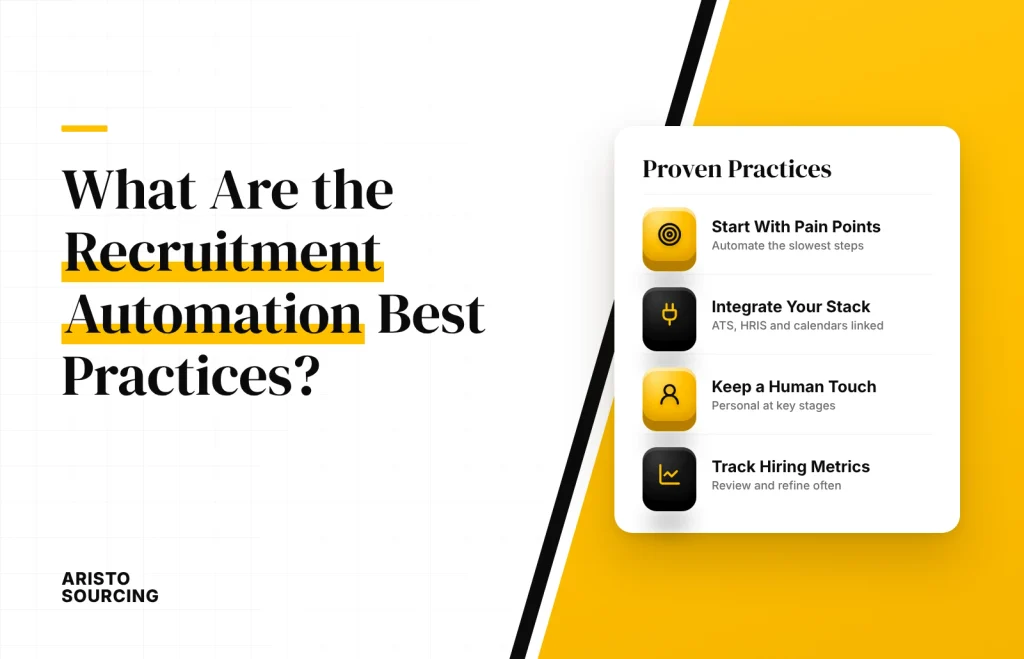
The best practices for recruitment automation include setting clear goals, maintaining data quality, keeping human oversight, investing in recruiter training, personalizing candidate communication, auditing automated screening, measuring ROI, and committing to continuous improvement. Following these recruitment automation best practices keeps automated workflows accurate, fair, and useful for both recruiters and candidates.
The best practices for recruitment automation are listed below.
- Set Clear Goals Before Automating: Each automation should solve a specific problem, such as shortening time-to-hire or reducing manual candidate emails. Clear goals keep the team focused on measurable outcomes instead of adding tools for their own sake.
- Maintain Data Quality: Automated workflows are only as accurate as the data they use, so remove duplicate records and standardize fields before launch. Regular data quality checks prevent wrong emails, broken triggers, and misleading reports.
- Keep Human Oversight on Key Decisions: Software can support shortlisting, rejection, and offer decisions, but a recruiter should review and approve each one. Human oversight catches errors that rules and algorithms miss and helps meet legal requirements for automated decisions.
- Invest in Recruiter Training: Recruiter training should explain how each workflow works, what triggers it, and when to override it. Trained recruiters adopt new tools faster and spot problems before candidates notice them.
- Personalize Candidate Communication: Message templates should include the candidate’s name, the role, and clear next steps. Personal contact at key stages, such as interviews and offers, keeps automation from feeling cold.
- Audit Automated Screening Regularly: Screening outcomes should be reviewed across candidate groups to detect algorithmic bias and false negatives. Regular audits also confirm that knockout questions and scoring rules still match each role’s requirements.
- Measure ROI from the Start: Measuring ROI starts with recording time-to-hire, cost-per-hire, and recruiter hours before automation goes live. Comparing those baselines with post-launch results shows which workflows deliver value and which need changes.
- Commit to Continuous Improvement: Every workflow should be reviewed on a set schedule using recruiter feedback, candidate feedback, and performance data. Continuous improvement keeps the recruitment process aligned with changing hiring needs, tools, and regulations.
How to Measure Recruitment Automation ROI?
To measure recruitment automation ROI, compare the total cost of the automation, including software licenses, setup, and training, with the savings and productivity improvements it produces over the same period.
The recruitment KPIs that show these gains most clearly are cost-per-hire, time-to-hire, recruiter hours saved per hire, and offer acceptance rate, measured before and after implementation. In practical terms, recruitment automation delivers a positive return when the savings and productivity gains clearly outweigh the total cost and when the team actively manages the risk of issues that could cancel those gains.
What Are the Challenges and Risks of Recruitment Process Automation?
The challenges and risks of recruitment process automation are listed below.
- Bias and False Negatives in Automated Screening: Algorithmic bias and rigid keyword rules can reject qualified candidates whose resumes use different wording or show nontraditional career paths. To avoid this risk, audit screening results regularly, use skills-based criteria, and have recruiters review a sample of rejected applications.
- Data Privacy and Security: Recruitment tools store personal data such as contact details, work history, and assessment results, which makes them a target for breaches and misuse. To avoid this risk, choose vendors with strong data privacy and security controls, limit access by role, and delete candidate data when the retention period ends.
- Legal Compliance for Automated Hiring: Laws such as the GDPR, the EU AI Act, and New York City’s Local Law 144 set specific requirements for automated hiring decisions, including transparency, candidate notice, and bias audits. To avoid this risk, review every automated hiring step with legal or HR compliance experts before launch and again whenever regulations change.
- Maintaining Human Oversight: Fully automated workflows can advance or reject candidates without any person reviewing the decision, which raises the risk of errors and unfair outcomes. To avoid this risk, keep human oversight at the shortlisting and final decision stages and allow recruiters to override any automated action.
- Impersonal Candidate Communication: Generic, templated messages can make candidates feel that they are dealing with a machine instead of an employer. To avoid this risk, personalize message templates and add direct recruiter contact at interviews and offers.
- Integration and Data Errors: Poorly connected systems can create duplicate records, missed triggers, and broken workflows. To avoid this risk, map data fields before connecting tools and monitor sync errors after launch.
- Low Adoption by Recruiters: Recruiters who do not trust or understand the tools may work around them, which leaves data incomplete and workflows unused. To avoid this risk, involve recruiters in tool selection and provide hands-on training before launch.
Does Recruitment Automation Replace Recruiters?
No, recruitment automation does not replace recruiters, because software handles repetitive administrative tasks while recruiters keep relationship building, judgment, salary negotiation, and final hiring decisions under human oversight. As automation takes over routine work, recruiter productivity rises and the recruiter role shifts toward talent acquisition strategy, candidate engagement, and stronger candidate relationships. Businesses without in-house recruiters sometimes pair automation with an outsourced recruitment team through RPO.

What Is the Difference Between Recruitment Process Automation and Recruitment Process Outsourcing?
The difference between Recruitment Process Automation and Recruitment Process Outsourcing (RPO) is that recruitment process automation uses software to perform hiring tasks, while RPO transfers part or all of the hiring process to an external recruitment provider. The two approaches are not mutually exclusive, because RPO providers often use an ATS and other automation tools inside their service.
Automation alone is usually enough when an in-house talent acquisition team has the capacity to run the tools and a structured hiring process to automate. Outsourced recruitment helps when a business has no dedicated recruiters, needs to scale hiring quickly, or has hard-to-fill roles open. Many businesses combine both, using automation for speed and consistency and an RPO partner for recruiting expertise and extra capacity.
How Does Aristo Sourcing Help with RPO?
Aristo Sourcing helps businesses with Recruitment Process Outsourcing (RPO) by providing recruitment support tailored to their hiring needs. An external Aristo Sourcing team can take on candidate sourcing, screening, and other recruitment tasks that would otherwise consume internal time.
An RPO partnership with Aristo Sourcing reduces internal workload, gives businesses access to recruitment support, and makes it easier to scale hiring efforts up or down as needed. RPO support can also work alongside a company’s existing Recruitment Process Automation, so the business keeps the benefits of recruitment automation, such as AI recruiting tools and workflow automation platforms, from the first application through onboarding. The exact scope of support depends on each business’s hiring requirements and the RPO arrangement agreed with Aristo Sourcing.