
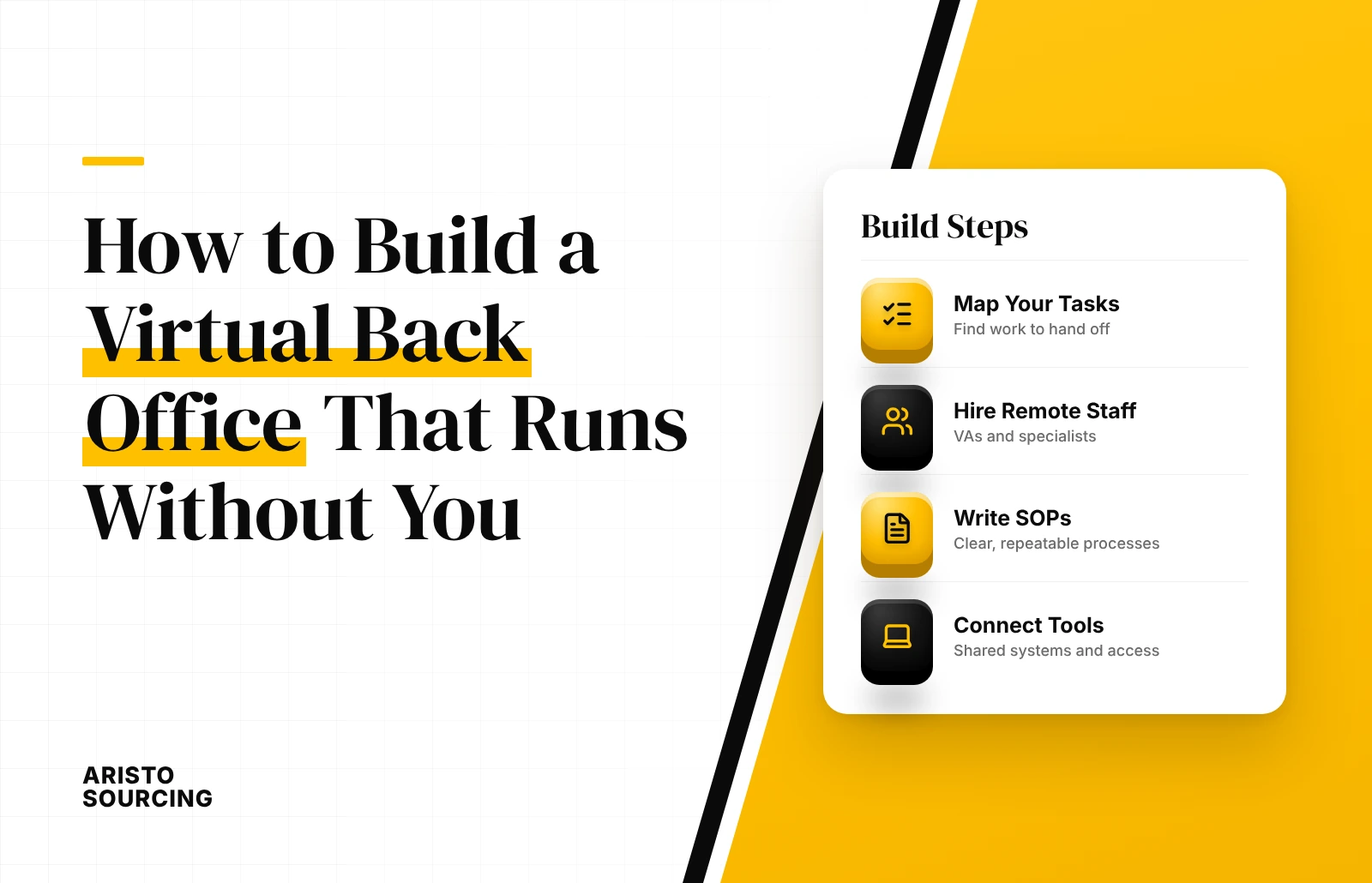
To build a virtual back office that runs without you, combine a remote team, documented SOPs, and cloud tools with automation. The remote team does the work, the standard operating procedures (SOPs) tell the team how to do it, and the cloud tools connect each task without the owner in the middle. This guide covers what a virtual back office is, the functions it handles, the 6 steps to build one, its cost, and the KPIs that show whether it runs without you.
A virtual back office suits small business owners who still handle bookkeeping, inboxes, and scheduling themselves. The build starts with mapping the work, not with hiring or buying software, because tools and people only perform as well as the processes behind them.
Outsourcing remains a growing business model. According to the Deloitte Global Outsourcing Survey 2024, which drew on more than 500 executives, 80% of executives plan to maintain or increase investment in third-party outsourcing, and 83% already use AI as part of their outsourced services.
What Is a Virtual Back Office?
A virtual back office is a remote setup of people, processes, and cloud tools that runs a company’s non-client-facing operations, such as bookkeeping, HR, and data management, from remote locations. It works through remote staff or virtual assistants who follow documented procedures inside shared online systems.
A virtual back office is not a virtual office. A virtual office provides a business address, mail handling, and call forwarding, while a virtual back office performs the operational work behind the business.
What Does a Virtual Back Office Handle?
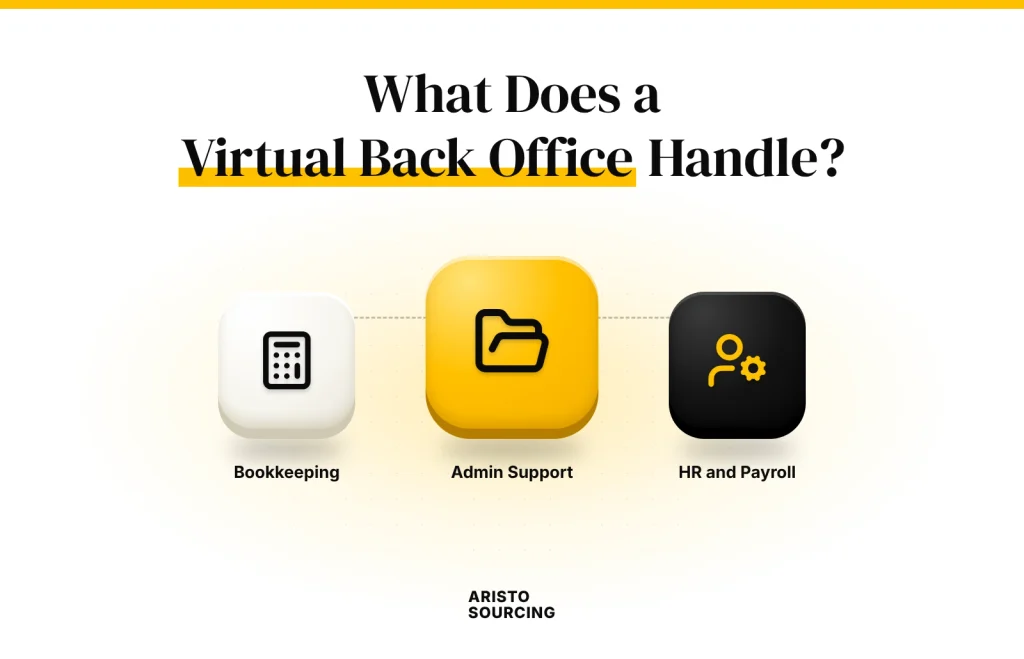
A virtual back office handles bookkeeping and finance, admin and inbox management, scheduling, HR and payroll, data entry and CRM updates, and customer support. These functions are repetitive, rule-based, and easy to document, so remote teams can run them from SOPs.
The 6 functions a virtual back office handles are listed below.
- Bookkeeping and Finance: A virtual back office records transactions, reconciles accounts, processes expenses, and follows up on unpaid invoices.
- Admin and Inbox Management: A virtual back office sorts email, drafts routine replies, and files documents.
- Scheduling: A virtual back office books meetings, manages calendars, and sends appointment reminders.
- HR and Payroll: A virtual back office updates personnel records, tracks leave, and prepares payroll data.
- Data Entry and CRM Updates: A virtual back office enters new records, cleans contact data, and keeps the CRM current.
- Customer Support: A virtual back office answers routine customer questions by email, chat, and phone, then escalates complex cases.
How to Build a Virtual Back Office in 6 Steps
To build a virtual back office in 6 steps, audit the work, set up a cloud workspace, write SOPs, automate handoffs, delegate ownership, and test the setup without the owner. The 6 steps to build a virtual back office are listed below.
- Audit and Map Every Recurring Task
- Set Up a Central Cloud Workspace
- Document Every Process Into SOPs
- Automate Handoffs Between Tools
- Delegate Ownership to a Virtual Team
- Run a Disconnection Test
1. Audit and Map Every Recurring Task
Auditing and mapping every recurring task is the first step in building a virtual back office. The owner lists every daily, weekly, and monthly task, then groups each task by function, such as finance, admin, or customer support. The audit separates repeatable work that a remote team can run from owner-only decisions, such as pricing or hiring. Virtudesk, a virtual assistant company, recommends starting with 5 to 10 core processes rather than documenting the whole business at once.
2. Set Up a Central Cloud Workspace
Setting up a central cloud workspace is the second step in building a virtual back office. The workspace stores SOPs, dashboards, and shared files in one hub, such as Notion or Google Workspace. Communication runs through a team tool, such as Slack or Microsoft Teams, so requests stay out of the owner’s personal inbox. A shared password manager with role-based access gives each team member only the logins that member’s tasks require.
3. Document Every Process Into SOPs
Documenting every process into SOPs is the third step in building a virtual back office. The owner records screen walkthroughs of each task with tools such as Loom or Scribe, then turns each recording into a plain-language checklist. Each SOP includes if/then decision rules, such as how to handle a refund request or a late payment, so the team does not wait for approval. A complete SOP has 4 parts: purpose, scope, steps, and owner.
4. Automate Handoffs Between Tools
Automating handoffs between tools is the fourth step in building a virtual back office. Integration tools such as Zapier or Make connect the CRM, calendar, and billing software, so data moves between systems without manual copying. Client onboarding, payment reminders, and invoices run on automated triggers instead of owner follow-up.
5. Delegate Ownership to a Virtual Team
Delegating ownership to a virtual team is the fifth step in building a virtual back office. The owner delegates inbox management, scheduling, data entry, and bookkeeping first, because these tasks are frequent and fully documented. The owner manages the team by outcomes, such as invoices sent on time, rather than by individual tasks. A named fallback contact holds access and decision rights when a team member or the owner is unavailable.
6. Run a Disconnection Test
Running a disconnection test is the sixth step in building a virtual back office. The owner steps away for a few days, then for a full week, without checking email or messages. The team logs every issue that needed the owner, and the owner updates the relevant SOPs before the next test.
How Much Does a Virtual Back Office Cost?
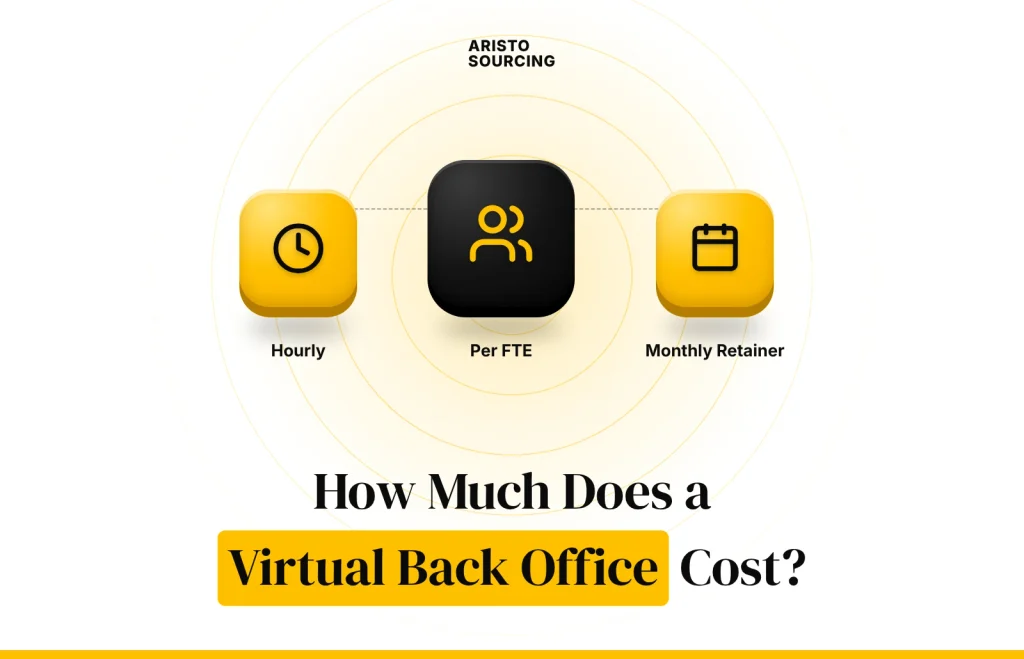
A virtual back office costs the hourly rate of each virtual assistant plus a monthly software fee for each user. According to goLance, a freelance marketplace, 2026 freelance virtual assistant rates are $10 to $20 per hour for junior assistants, $20 to $35 for mid-level assistants, and $35 to $55 for senior assistants.
The monthly cost of a basic virtual back office tool stack is presented in the table below.
| Tool | Plan | Price per User per Month | Billing |
| Slack | Pro | $7.25 | Billed annually |
| Google Workspace | Business Starter | $7 | Annual plan |
| Notion | Plus | $10 | Billed annually |
The main cost drivers are team size, weekly hours, the number of functions covered, and the number of paid tools. Businesses budgeting for the people layer can compare virtual assistant cost by region and experience level.
How Do You Know Your Back Office Runs Without You?
You know your back office runs without you when tasks finish on time, errors stay low, and the team rarely escalates work to the owner. These outcomes are measured with KPIs reviewed on a fixed schedule.
The 5 KPIs that show a back office runs without you are listed below.
- Task Completion Rate: Task completion rate measures the share of assigned tasks finished by the deadline.
- Turnaround Time: Turnaround time measures the average time from a request to a finished task.
- Error Rate: Error rate measures the share of tasks that need correction.
- Owner Hours Saved: Owner hours saved measures the weekly hours the owner no longer spends on back-office work.
- Owner Escalations: Owner escalation rate measures how often the team needs the owner to make a decision.
The team should run a weekly check on open tasks and a monthly review of KPIs and SOPs. Falling escalations and rising owner hours saved confirm that the remote team, documented SOPs, and cloud tools have built a virtual back office that runs without you.

Can AI Run Your Back Office Without You?
No, AI cannot run your back office without you, because AI automates routine tasks while people still handle judgment and exceptions. AI tools draft emails, categorize transactions, and summarize meetings, but a person still approves payments, resolves complaints, and fixes unusual cases. Most businesses use a hybrid model, where AI handles repetitive steps and a virtual team owns the outcomes, which shapes the debate over whether AI will replace virtual assistants. The questions below cover the front office, hiring choices, and common mistakes.
Back Office vs Front Office: What Is the Difference?
The difference between the back office and the front office is that the front office faces customers, while the back office supports operations. Front office functions include sales, customer service, and account management, while back office functions include accounting, HR, IT, and data management. The same split applies to outsourcing, as explained in front office vs back office BPO.
Should You Hire a Virtual Assistant or a Back-Office Outsourcing Provider?
Whether you should hire a virtual assistant or a back-office outsourcing provider depends on the scope and volume of the work. A virtual assistant suits single functions and small teams, such as one person managing the inbox and bookkeeping. A back-office outsourcing provider suits multiple functions and larger volumes, delivered as a managed service with supervision and replacement staff. The choice follows the same logic as working with an outsourcing agency or hiring directly.
What Are Common Mistakes When Building a Virtual Back Office?
The common mistakes when building a virtual back office are buying tools before mapping processes, writing overly long SOPs, hiring without clear goals, and ignoring metrics. The 4 common mistakes are listed below.
- Buying Tools First: Buying tools before mapping processes leads to software that does not fit the actual work.
- Writing Overly Long SOPs: Writing overly long SOPs makes procedures hard to follow and slow to update.
- Hiring Without Clear Goals: Hiring without clear goals leaves the virtual team unsure of priorities and success measures.
- Ignoring Metrics: Ignoring metrics hides recurring errors and keeps the owner involved in daily work.