

Hiring a virtual assistant does not mean you find someone “helpful.” You hire a reliable operator who follows SOPs, protects access, and keeps work moving without constant reminders.
To move from “helpful” to “reliable,” structure your interview around these eight performance-based pillars.
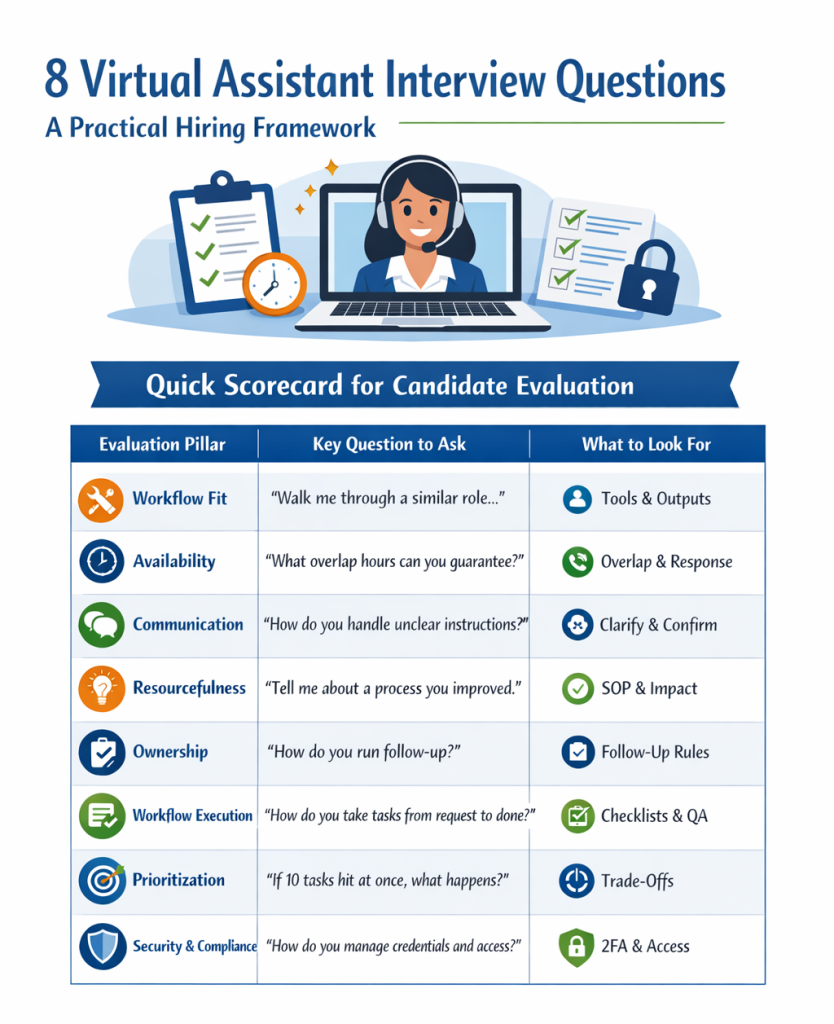
Quick Scorecard Table (for fast scanning)
| Evaluation Pillar | Key Question to Ask | What to Look For |
|---|---|---|
| Workflow fit | “Walk me through a similar role…” | Specific tools + clear outputs |
| Availability | “What overlap hours can you guarantee?” | Defined windows + response standards |
| Communication | “How do you handle unclear instructions?” | Clarify early + confirm in writing |
| Resourcefulness | “Tell me about a process you improved.” | SOP upgrades + measurable impact |
| Ownership | “How do you run follow-up?” | No dropped balls + escalation rules |
| Workflow execution | “How do you take tasks from request to done?” | Checklists, QA, action logs |
| Prioritization | “If 10 tasks hit at once, what happens?” | Trade-offs + calm clarity |
| Security and compliance | “How do you manage credentials and access?” | 2FA, password manager, least-privilege |
How to use this in an interview (fast)
- Choose the role lane: admin, inbox, customer support, marketing ops, bookkeeping support, project coordination.
- Ask the eight questions below in order.
- End with a paid trial task (60 to 120 minutes). A short test beats a perfect interview.
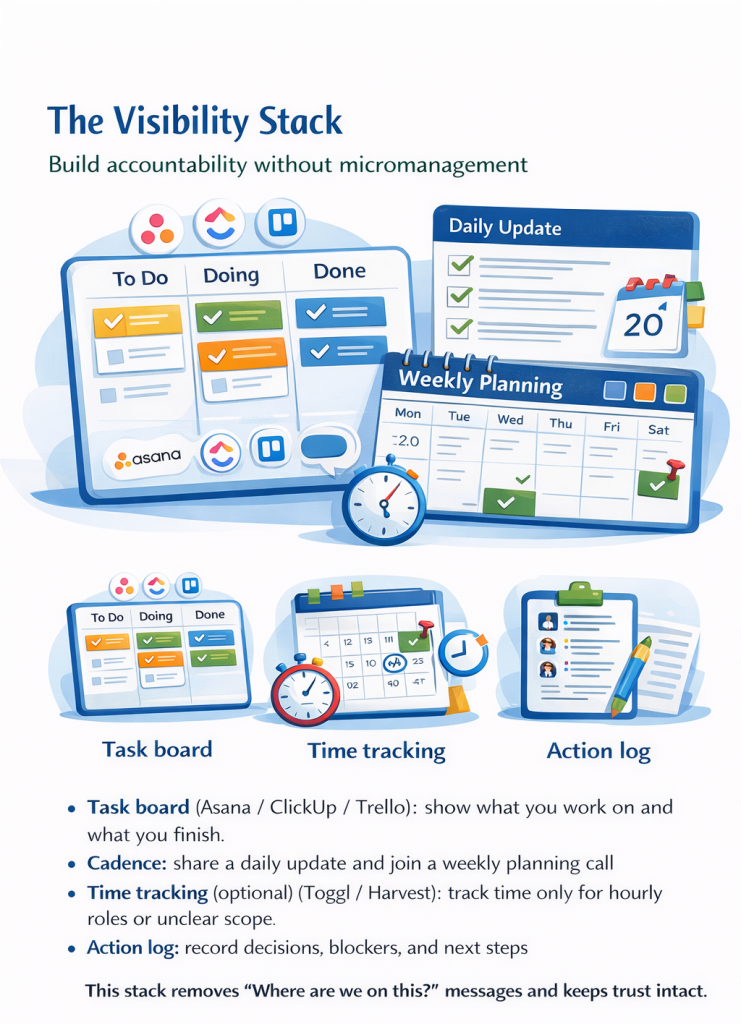
The Visibility Stack (use this once, avoid repeats later)
Build accountability without micromanagement. Agree on a simple Visibility Stack:
- Task board (Asana / ClickUp / Trello): show what you work on and what you finish
- Cadence: share a daily update and join a weekly planning call
- Time tracking (optional) (Toggl / Harvest): track time only for hourly roles or unclear scope
- Action log: record decisions, blockers, and next steps
This stack removes “Where are we on this?” messages and keeps trust intact.
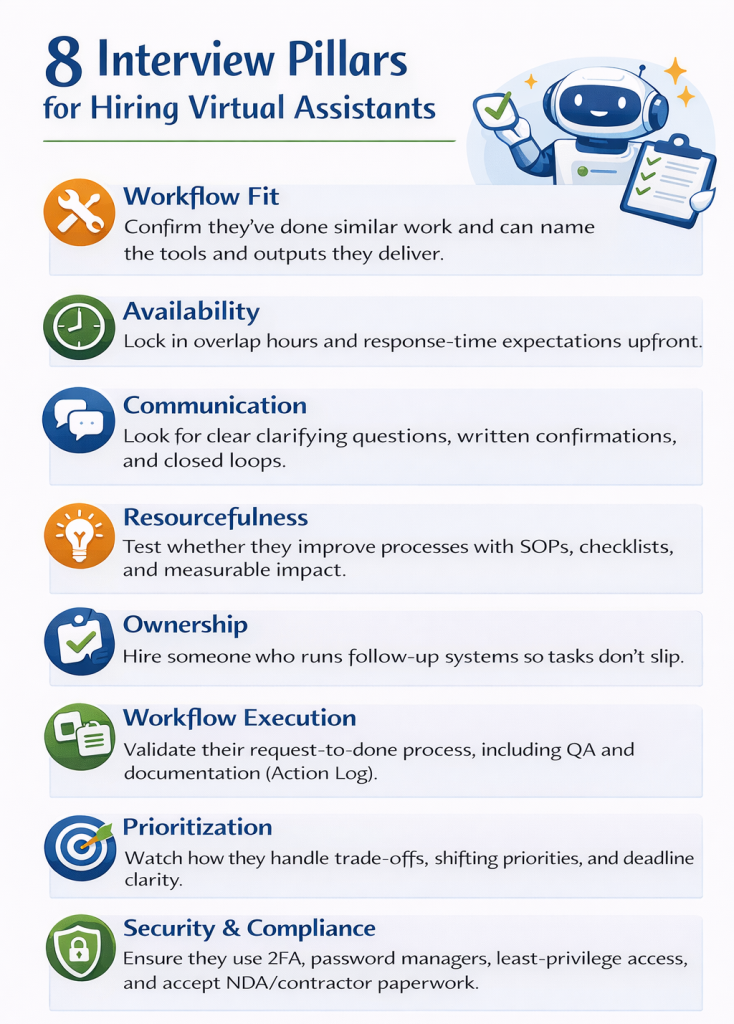
1) Workflow fit: skills and experience that match your SOPs
You don’t hire a generic assistant. You hire someone to run specific workflows.
Ask this:
“Walk me through the most similar role you’ve done. What did you handle each week, what tools did you use, and what results did you deliver?”
Listen for:
- Tools (Google Workspace, Slack, Asana, Notion, HubSpot, Shopify, and Gorgias)
- Outputs (reports, inbox triage, calendar accuracy, lead follow-up, documentation)
- Proof (templates, dashboards, writing samples, portfolio)
Red flags:
- They say, “I helped with everything,” but they give no examples.
- They mention no outcomes.
2) Availability: overlap hours and response expectations
Good hires often fail here because teams never define expectations.
Ask this:
“What hours do you work, what overlap can you guarantee, and what response time can you commit to during working hours?”
Listen for:
- A clear overlap window (example: 3 to 5 hours daily)
- Response standards (example: Slack within 60 minutes)
- Comfort with a structured weekly cadence
Red flags:
- They claim flexibility but refuse to commit to a schedule.
- They reply slowly and avoid setting standards.
3) Communication: clarity, confirmations, and closed loops
Remote work runs on communication. Great VAs clarify early and confirm decisions in writing.
Ask this:
“When you don’t have enough detail to start, what do you do next? Give me a real example.”
Listen for:
- They ask clarifying questions early.
- They summarize requirements back to you.
- They use a single source of truth (task board + SOP doc).
Red flags:
- They “do their best” without confirming requirements.
- They send constant messages but add no structure.
4) Resourcefulness: process improvement without chaos
Proactivity doesn’t mean random initiative. It means they improve systems with alignment.
Ask this:
“Tell me about a process you improved. What broke, what did you change, and what impact did you create?”
Listen for:
- SOP improvements, checklists, templates, and QA steps
- Faster turnaround, fewer errors, and less rework
Red flags:
- They change priorities without alignment.
- They describe effort but skip impact.
5) Ownership: follow-up that prevents dropped balls
You want someone who runs follow-up like a system.
Ask this:
“How do you make sure nothing slips? Describe your follow-up method.”
Listen for:
- Due dates, reminders, escalation rules
- Written confirmations of next steps
- Comfort chasing dependencies politely
Red flags:
- They keep tasks “in their head.”
- They go quiet until a deadline passes.
6) Workflow execution: from request to done (with QA)
Scaling requires SOP-first thinking and a clear definition of done.
Ask this:
“Describe your process from request to completion. How do you confirm requirements, document steps, and QA your work?”
Listen for:
- Checklists, templates, Loom walkthroughs, SOP updates
- QA checklist and a clear finish line
- Action log for recurring workflows: a shared document that tracks decisions, blockers, and next steps so nothing gets lost between messages
Red flags:
- They execute tasks but skip validation.
- They avoid documentation.
7) Prioritization: deadlines and trade-offs under pressure
Don’t ask for “tremendous pressure.” Ask for correct prioritization when priorities shift.
Ask this:
“If I give you 10 tasks and two are urgent, how do you prioritize? Walk me through your decision process.”
Listen for:
- They confirm deadlines and dependencies.
- They communicate trade-offs early.
- They update the task board so priorities stay visible.
Red flags:
- They do everything at once and drop quality.
- They hide problems until deadlines fail.
8) Security and compliance: access control, credentials, and contractor paperwork
Treat security as professional hygiene, not paranoia.
Ask this:
“How do you manage credentials and access? And will you sign an NDA and an Independent Contractor Agreement?”
Listen for:
- Password manager (1Password / LastPass) + 2FA
- Least-privilege access (only what’s needed)
- Secure handling of client data
- Comfort with contractor onboarding: W-8BEN / W-9, invoices, contractor agreement terms
Red flags:
- They share passwords in chat.
- They ignore access control.
- They treat security as optional.
Minimum security checklist:
- Password manager + 2FA
- Role-based access
- Clear offboarding (revoke access immediately).
The best final step: the paid trial task
Interviews give signals. Trials give proof.
Ask this:
“Will you complete a 60 to 120 minute paid trial task in our tools, then join a quick debrief?”
Download The Reliable Operator Kit to score candidates, run better interviews, and assign a paid trial task with confidence. It’s a 5-page printable interview kit built for hiring VAs.
